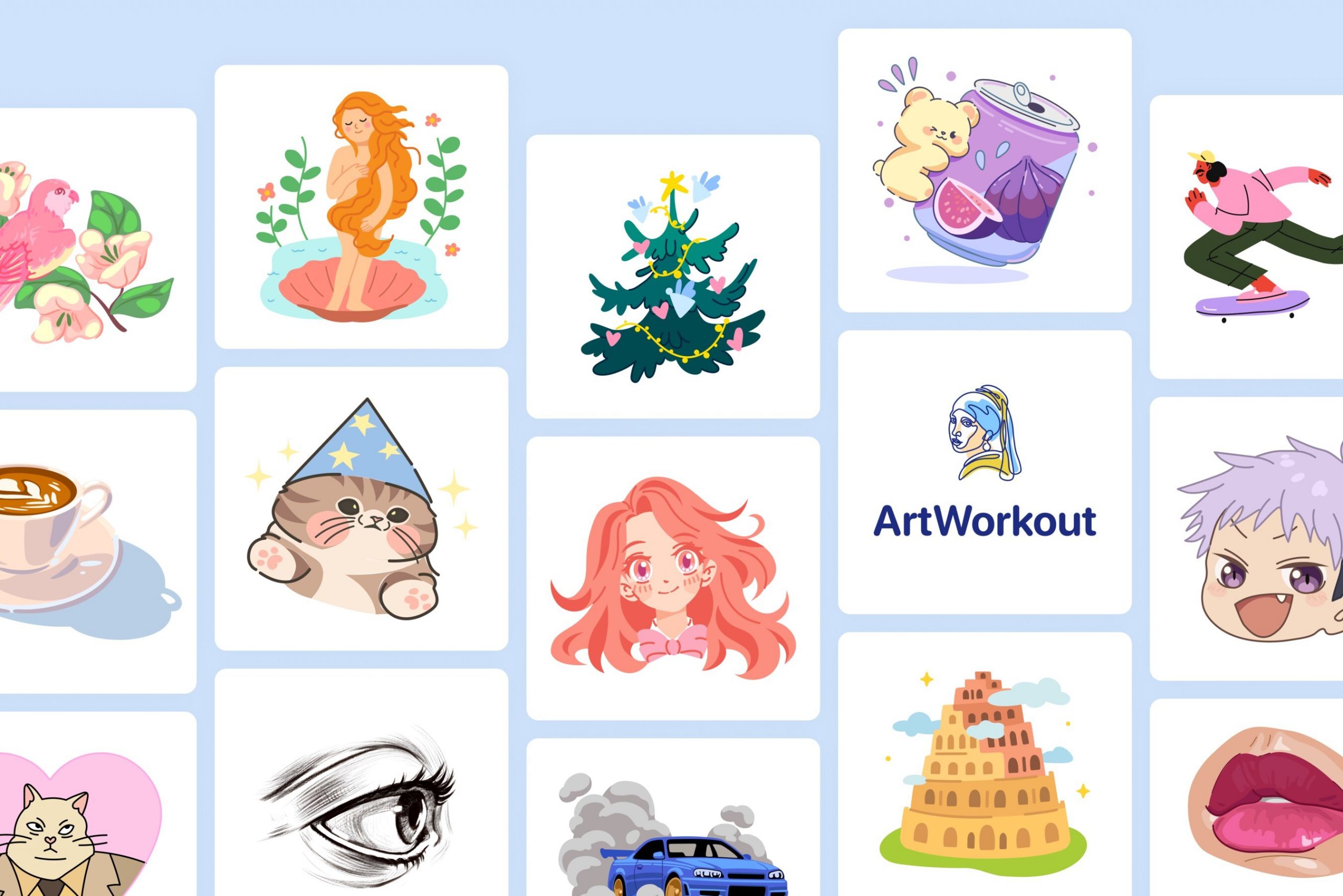
The number one app for drawing
The ArtWorkout app, often described as the “Duolingo for drawing,” has become a dominant force in the digital art education space in 2025. While apps like Procreate provide the canvas, ArtWorkout provides the coach—gamifying the learning process with real-time feedback and bite-sized lessons.
Overview: What is ArtWorkout?
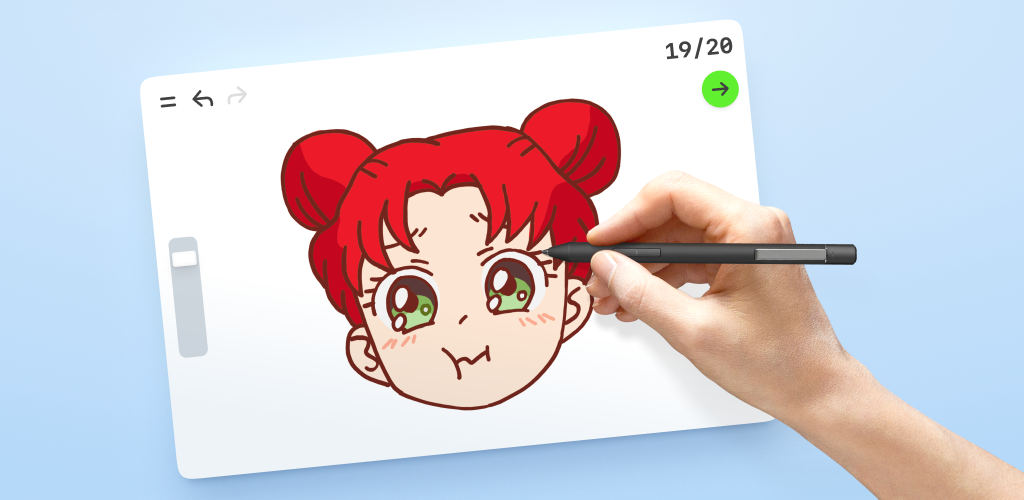
ArtWorkout is an interactive drawing trainer available on iOS, iPadOS, and now Apple Vision. It focuses on muscle memory and precision. Instead of just watching a video, you draw directly on your screen (ideally with an Apple Pencil) while the app’s algorithm evaluates your stroke accuracy, speed, and pressure in real-time.
The Experience: From Doodles to Anatomy
The app is built around a library of over 2,500 lessons that range from basic shapes to advanced techniques.
| Feature | ArtWorkout Free | ArtWorkout PRO |
| Price | Free (Ad-supported) | ~$60/year (varies by region) |
| Lessons | ~1-2 per day (Daily Challenge) | Full Library (2,500+ lessons) |
| Feedback | Basic Accuracy Score | Detailed Stroke Quality Analysis |
| Multiplayer | Limited Access | Full Access to Shared Canvases |
| Course Depth | Introductory only | Loomis Method, Anatomy, Calligraphy |
Key Strengths
1. The Feedback Loop
The “Workout” in the name is literal. The app doesn’t just check if you stayed inside the lines; it evaluates the quality of your strokes. It identifies if your lines are shaky or if you’re applying uneven pressure. This instant “Pass/Fail” feedback loop is significantly faster for learning than self-teaching via YouTube.
2. Diverse Curriculum
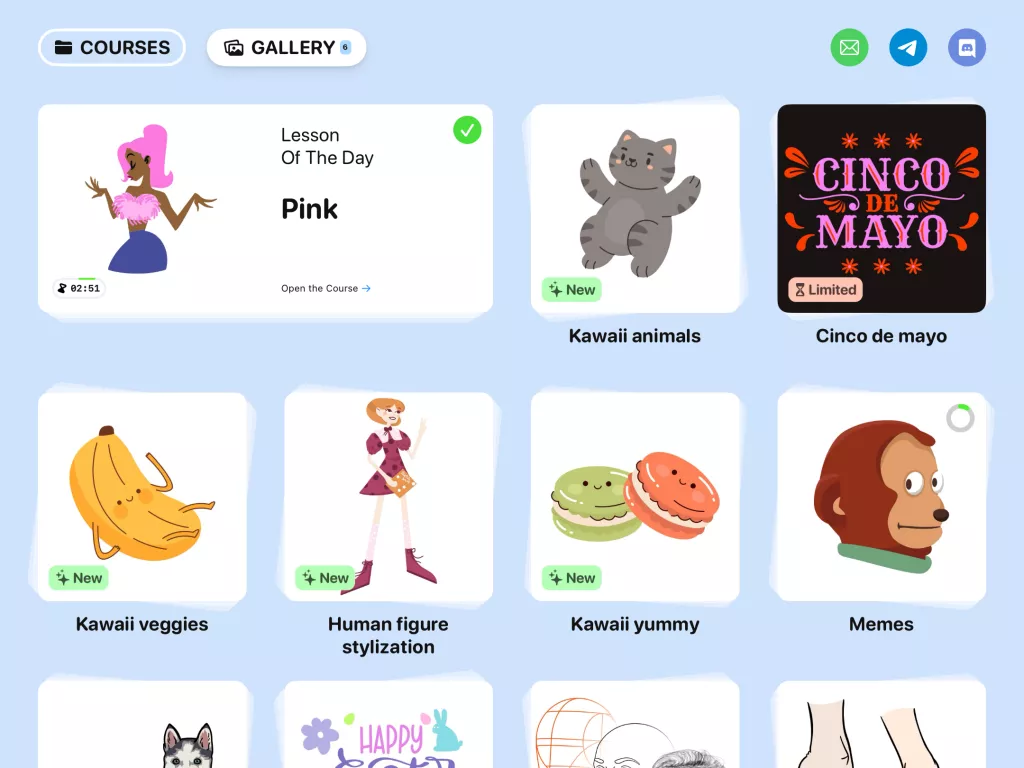
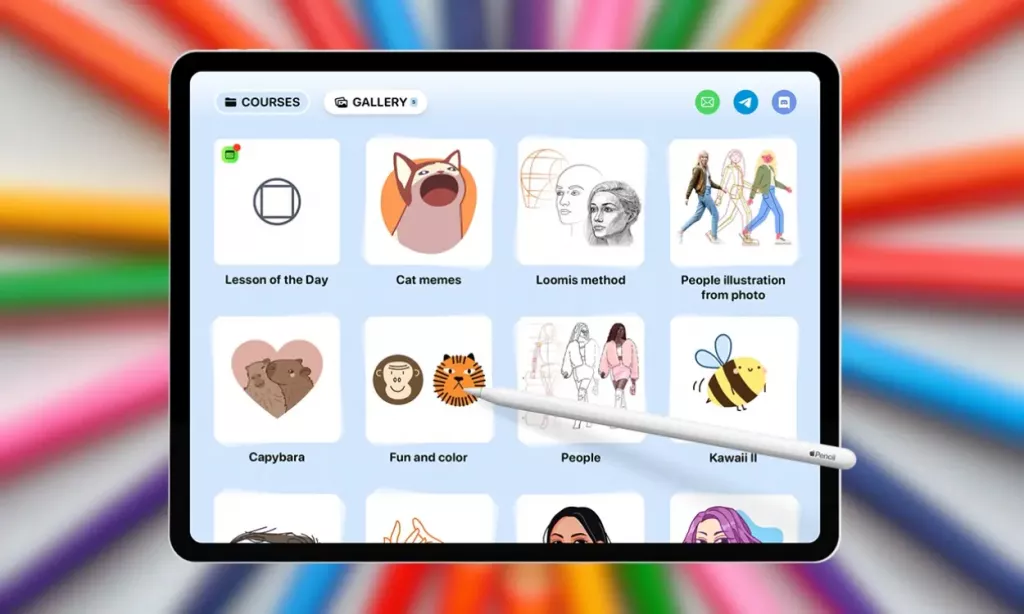
Unlike many drawing apps that focus solely on “cute” illustrations, ArtWorkout includes serious academic modules:
Loomis Method: For professional-grade head and face construction.
Perspective & Anatomy: Rigorous exercises for serious students.
Handwriting: Dedicated courses for cursive and calligraphy.
3. Social Learning (Multiplayer)
The 2025 updates have leaned heavily into Multiplayer Mode. You can join a lobby with friends or strangers to trace the same artwork in real-time. It’s a surprisingly effective way to stay motivated and see how other artists approach the same stroke.
The Limitations
Aggressive Paywall: The most common user complaint is the “VIP” wall. Almost 99% of the library is locked behind a subscription. The free version is essentially a demo, offering only a few daily exercises.
The Energy System: If you aren’t a Pro subscriber, the app uses an “energy” mechanic. Once you run out of energy, you have to watch ads or wait hours to continue, which can break the “flow” state necessary for art.
Hardware Dependency: While it works on an iPhone with a finger, the experience is 70% worse without an iPad and Apple Pencil. This is a tool designed for precision, and capacitive touch (fingers) often results in frustratingly low scores.
Summary
ArtWorkout is arguably the most effective “training wheels” app for digital art. It removes the “blank canvas anxiety” that stops most beginners from starting. However, its high subscription cost ($60/year) puts it in a price bracket where some users might prefer to buy a one-time permanent course elsewhere.